
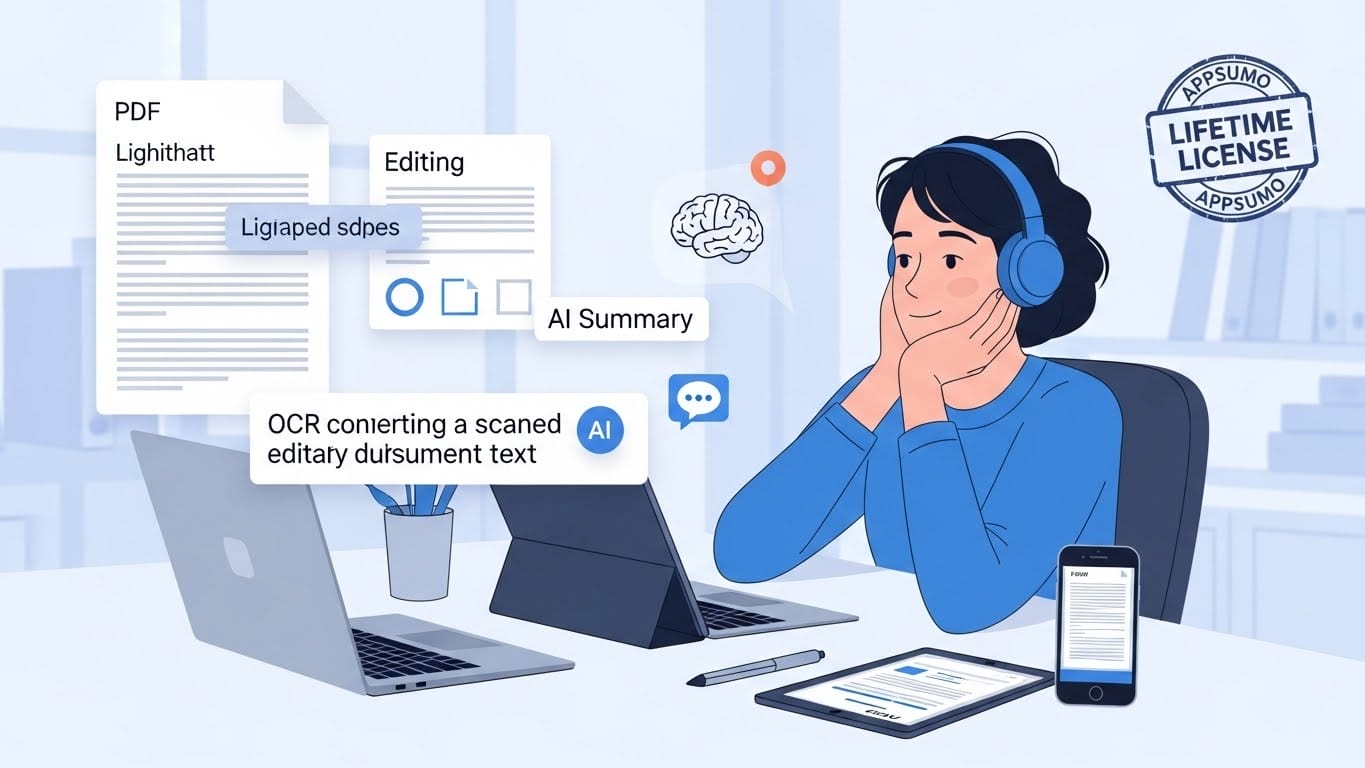
Have you ever felt that familiar flicker of frustration when trying to edit a PDF, only to realize your tool is slow, clunky, or—worse—demanding yet another monthly subscription?
We know what it’s like to be facing an urgent contract and feeling like your software is holding you back instead of pushing you forward. At the end of the day, your time and peace of mind are valuable, and you shouldn’t waste them wrestling with outdated programs that feel like a chore.
That’s why UPDF isn’t just another editor; it’s the ally that gives you back control with a smoothness that will surprise you. So, discover how this tool can transform your workflow and how you can secure it for life.
What is UPDF and Why Will It Change How You Work?
Imagine a tool that feels as intuitive as opening a modern app on your phone, but with all the power of advanced desktop software. That’s exactly what UPDF offers.
It’s a complete ecosystem designed to turn reading, editing, and annotating your PDFs from a tedious task into something agile. Unlike those heavy programs that take forever to load, UPDF flies.
Its interface is clean and minimalist, a world away from the visual chaos of other classic editors that seem stuck in the past. The best part? It doesn’t tie you to a single device: you can start highlighting a document on your tablet over coffee and finish editing the text on your computer when you get home.
Advanced Editing & OCR: The Power to Transform Any Document
Have you ever received a PDF you urgently needed to correct, but it behaved like a static image? With UPDF, that’s a thing of the past.
You have the freedom to edit every paragraph, resize photos, or even adjust links as if you were working in a conventional word processor. But where you’ll truly feel like you have a superpower is with its OCR function.
If you have scanned documents or pictures of notes that seem impossible to edit, this technology analyzes them and converts them into editable text with astonishing accuracy in over 38 languages. You’ll never have to transcribe anything by hand again.
This ability to “breathe life” into previously locked files not only saves you hours of repetitive work but also allows you to search for keywords within your own digitized physical documents, organizing your information effectively.
Smart Management & Security: Your Files, Under Control
Managing a PDF shouldn’t be a puzzle, and with UPDF, you’ll see how simple it can really be. If you’ve ever needed to extract pages from a report or combine several documents into one, you’ll love its visual organization system.
You just drag, drop, and rearrange pages at will with a fluidity that’s a huge relief on high-volume workdays.
Furthermore, its conversion capability is impressive: you can turn your files into Word, Excel, PowerPoint, or even image formats, preserving the original layout without the formatting falling apart in the process. But most importantly is your peace of mind.
UPDF allows you to protect your most sensitive information through password encryption or editing restrictions, ensuring only the people you choose can view or modify your content.
Artificial Intelligence Applied to Your Productivity
Imagine you have a 50-page report on your desk and only ten minutes before an important meeting to grasp it fully. This is where UPDF’s artificial intelligence becomes your best ally.
It’s not just a trendy add-on, but a personal assistant that reads and processes information for you. You can ask it to summarize the key points of a contract, explain complicated technical terms in plain language, or even translate entire paragraphs to other languages without leaving the app.
The most fascinating feature is the ability to “chat” with your PDF: you can ask the document direct questions, as if you were conversing with the author, and get precise answers in seconds with direct references to the text.
This integration lets you digest massive amounts of information at a speed that was previously humanly impossible, allowing you to focus on what truly matters: making strategic decisions and saving valuable time in your day.
How to Get Your Lifetime License on AppSumo
If you’re already tired of monthly bills that never end, the AppSumo offer is the “lifesaver” you’ve been waiting for. For about what you’d pay for just a couple of months of other tools, here you can secure UPDF forever with a single payment.
Currently, this license lets you use the tool on up to four devices simultaneously (two computers and two mobile devices), which is ideal if you’re constantly moving between your office and home. To get it, follow these steps:
- Go to AppSumo: Search for the UPDF product and purchase your code (it typically costs around $59 USD). You have a 60-day money-back guarantee to try it, so there’s no risk.
- Copy Your Code: Once purchased, you’ll find it in your user panel on AppSumo.
- Redeem it on the Official Site: Go to the UPDF Account Center, register or log in, and look for the “Redeem” button. Enter your code, and instantly, your account will be upgraded to Pro for life.
It’s a smart investment that pays for itself in no time, giving you the peace of mind of knowing your document handling is solved from here on out.
A Smart Investment for Your Digital Future
At the end of the day, choosing UPDF isn’t just about acquiring more software; it’s about deciding that your time and comfort are worth far more than the usual technical complications.
You’ve now seen it’s possible to leave behind the shackles of subscriptions and work with a fluidity that truly represents you. Now it’s your turn to take the step toward a cleaner, faster, and—above all—yours digital workspace.
Don’t let this AppSumo opportunity pass you by; it’s one of those decisions you’ll be grateful for every single time you open a document. Your future productivity will thank you.
This post is also available in: