
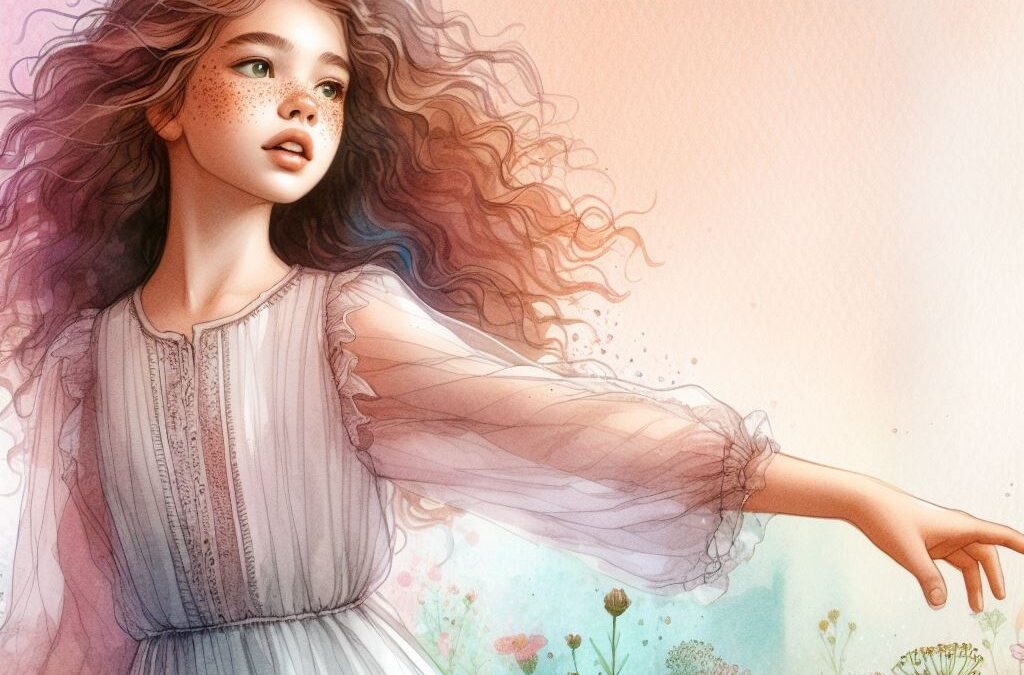
Without a doubt, the generation of visual content is essential for certain purposes. In this context, tools like Midjourney emerge as allies for those seeking to create eye-catching images easily and quickly through AI models. Midjourney has been perfected to the point that it is considered an attractive option for all types of content creators, for some above ChatGTP and its DALLE model. But to take advantage of the potential of this tool, you need to learn how to use effective prompts that help you generate accurate images. Creating the best prompts for Midjourney is possible, so learn the best commands for this platform, as well as practical tips and examples that will help you unlock the full potential of this tool.
Why use prompts in Midjourney?
Using prompts in Midjourney gives you efficiency by generating impressive images in just a few seconds, without the need for advanced graphic design skills. Additionally, its ease of use allows anyone to create visual content without complications. The variety and versatility of styles available ensures that you can adapt your prompts to meet a wide range of creative needs. From realistic scenes to abstract illustrations, Midjourney offers unparalleled creative flexibility. In addition, its cost makes it a profitable alternative for creating visual content.
Types of prompts for Midjourney
Learn about the most common types of prompts in Midjourney
Prompt for Realistic Midjourney
This type of prompt focuses on capturing authentic features of everyday life, natural landscapes, human portraits or common objects. This is expected to obtain images that look like photographs or faithful representations of reality. Realistic prompts usually include information about the composition of the image, the lighting, the elements present in the scene and the emotions or atmospheres that you want to convey. Here are some examples of realistic prompts:
- “A detailed view of a modern city at dusk, with neon-lit skyscrapers and streets bustling with activity.”
- “Portrait of a young woman in a natural environment, with a serene expression and hair blowing in the wind.”
- “An urban scene in winter, with snow falling gently on historic buildings and people walking wrapped in coats.”
Prompt for Stylized Midjourney
Unlike realistic prompts, which focus on faithfully representing reality, stylized prompts allow you to explore diverse artistic styles, such as impressionism, surrealism, cubism, among others. When writing a stylized prompt, you hope to obtain images that are unique artistic interpretations, that go beyond the mere reproduction of reality and that convey a sense of creativity and originality. Get to know some of these prompts:
- «A surreal interpretation of a seascape, with flying whales and clouds in the shape of castles.»
- “A pop art portrait of a celebrity, with bright colors and bold outlines.”
- “A comic-style illustration of a superhero flying over the city, with dynamic vignettes and onomatopoeia.”
Prompt for Themed Midjourney
It consists of a description that focuses on a specific topic or a particular situation that you want to represent in the image generated by the AI. Thematic prompts focus on the content or idea you want to communicate. When entering a thematic prompt, the AI will create an image that reflects the proposed concept or idea, adapting to the desired visual style, but maintaining focus on the central theme. Discover three examples of thematic prompts:
- “A fantastic representation of an enchanted forest, with talking trees and magical creatures.”
- “A medieval scene of a castle on the hill, with knights in armor and banners fluttering in the wind.”
- “A futuristic vision of a colony on Mars, with transparent domes and flying vehicles.”
Prompt for Artistic Midjourney
It is a description that seeks to generate an image with a specific visual style or a particular artistic technique. These prompts may include references to recognized art styles, such as Impressionism, Surrealism, or Cubism. Artistic techniques such as oil painting, watercolor or digital art can also be detailed. We present some examples:
- “An impressionistic interpretation of a lavender field in Provence, with loose brush strokes and vibrant colors.”
- «A classic still life still life, with fresh fruits and a ceramic jug on a wooden table.»
- “An oil painting of a mountain landscape at dawn, with warm tones and an evocative atmosphere.”
Prompt for Narrative Midjourney
It is a detailed description of a scene or situation that includes specific narrative elements, such as characters, actions, and contexts. A narrative prompt focuses on telling a story or conveying an idea through the image generated by AI. These prompts can include characters with defined roles, detailed scenarios, and specific events that unfold in the resulting image. Look at these three examples:
- “A science fiction scene showing an astronaut exploring an alien planet, with strange creatures and alien landscapes.”
- “An image that captures the moment of an exciting scientific discovery, with scientists celebrating in a laboratory.”
- “A historical representation of an important event, such as the signing of a peace treaty, with world leaders meeting in a conference room.”
How to generate the best prompts in Midjourney with artificial intelligence?
To generate the best prompts in Midjourney, it’s important to be clear and specific in describing what you want to achieve visually. Select keywords that convey the central idea of the desired image and use descriptive language that includes relevant details about the composition, style and atmosphere being sought. Avoid ambiguities and write precise instructions to generate the image in Midjourney accurately. Additionally, you can draw inspiration from similar visual examples to better understand how to express certain concepts through images. By experimenting with different types of prompts and adjusting the descriptions according to the results obtained, you will perfect the ability to generate the best prompts in Midjourney resulting in better quality of the image obtained.
Create more accurate images with Midjourney
When you master creating prompts in Midjourney, it opens up a world of creative possibilities for anyone, from content creators to hobbyist designers. With the right combination of clarity of description and exploration of diverse styles and themes, you can use Midjourney to get stunning images in just seconds. Thus, Midjourney becomes a tool that materializes your ideas quickly and efficiently in image generation with AI.
Commands to apply to promts
But Midjourney’s best prompts for creating images don’t come without commands. You can use them both in Discord and in the Midjourney web application, but in Discord it is more common, since you have fewer options than the web interface.
Generating prompts and including the commands will take you to the next level of prompt creation. These are the commands that will help you write prompts to create the image you want. Learn to create prompts by combining several commands in the same one and you will achieve optimal results.
–ar Refers to the aspect ratio, if it is 1:1, 4:7: 7:4, 4:5, 5:4 and 3:2
–chaos
–not when you want something in particular not to come out
–tile to create patterns on the image
–seed to refer to another photograph. You have to enter the seed number that is taken with the right mouse button.
–cref to use the same character in different images, you have to add the url of the image after the command.
–repeat to repeat a task 2 to 4 times for basic subscribers.
–weird accepts values from 0 to 3000 and gives less conventional image results.
–zoom accepts values between 1 and 2, changes the focus size.
This post is also available in: