
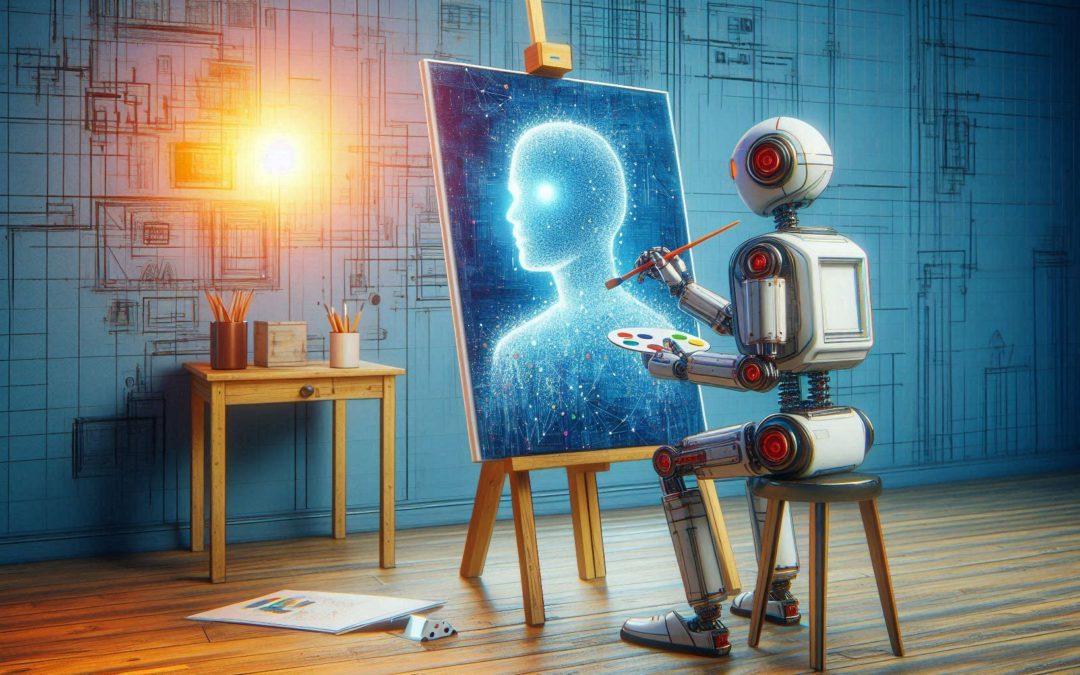
More and more AIs are emerging that generate images of the best quality and Flux AI is a good example. Designed by the same Stable Diffusion engineers, Flux is one of the most famous imaging tools.
This innovation, developed by the startup Black Forest Labs, promises to raise the standard in the creation of photorealistic images, challenging other giants in the sector such as Midjourney and DALL-E.
With multiple versions adapted to different needs, from individuals to professionals, Flux AI is designed to further democratize access to high-quality imaging tools.
In this article we present in detail what Flux AI is, its features and benefits, how to access this tool and take advantage of this innovative software.
What is Flux AI?
Flux AI is an image generative AI, created by the team of engineers behind Stable Diffusion, one of the most popular tools in the field of AI image generation.
Developed by Black Forest Labs, a startup formed by former key members of Stability AI, Flux AI takes image generation to a new level of realism.
Unlike other models, Flux AI stands out for its ability to understand and adhere to textual descriptions, allowing you to create images with a high level of detail and consistency.
This model has been trained with a vast collection of data, with which you can generate photorealistic images from simple natural language descriptions.
Additionally, Flux AI is open source, meaning that any developer or artist with the right knowledge and equipment can customize and fine-tune the model to their specific needs.
Features that Flux AI offers to users
Flux AI stands out in the field of generative AI thanks to the following features:
Photorealistic realism
This realism is achieved through extensive training with a large collection of data, allowing Flux AI to understand and reproduce anatomical details, textures, and lights accurately.
Flexibility and customization
Flux AI offers you the possibility to adjust the model according to your specific needs. This is especially valuable for developers and artists looking for custom results.
The open source version allows modification of the model, making it easy to integrate Flux AI into existing projects or create new applications.
Generation speed
The Schnell version of Flux AI features a speed-first design, generating images up to 10 times faster than its competitors without sacrificing quality. This makes it an ideal tool if you are looking for quick results, without compromising realism.
Diversity of models
Flux AI comes in three different versions: Schnell, Dev, and Pro. From the fast and accessible version for private users to the advanced and closed version for professionals, Flux AI provides solutions for each type of user.
Open source
Its open source nature democratizes access to this powerful tool, allowing developers to customize and adapt the model to their needs, and encourage innovation in the field of generative AI.
Available versions of Flux AI
Flux AI is available in three main versions, each designed to meet different needs and experience levels:
Schnell
This version is the most accessible and is aimed at individual users looking for speed in generating images. Schnell allows you to produce images up to 10 times faster than other versions, ideal for projects with tight deadlines.
It is available with an Apache 2.0 license, allowing it to be used for free with certain credit limitations. The results generated can be used for commercial purposes if used through platforms such as Replicate.
Dev
This version is aimed at developers and allows access to the open source model. Although the results cannot be used for commercial purposes, with DEV you can experiment, integrate the model into projects, and develop custom applications.
The open source license makes it easy to modify and adapt the model according to the user’s needs.
Pro
The Pro version is designed for professionals who require the highest image quality and control over results.
This version is closed source and accessed through an API, offering advanced functionality and greater accuracy in image generation. The Pro version is ideal for commercial applications and high-end projects where visual quality is paramount.
How to access Flux AI?
You can use Flux AI in any of these ways:
Local execution
If you have a powerful laptop, you can download and run Flux.01 locally. One of the easiest ways to do this is through the Pinokio launcher, which makes it easy to install and run AI models with just a couple of clicks.
However, keep in mind that the installation file is large, so you will need enough space and processing power on your machine.
Online platforms
If your computer is not powerful enough, or you prefer not to download the model, there are several online platforms that already offer access to Flux.01:
- NightCafe: This AI imaging platform allows users to access the Flux.01 model and compare it with other tools such as Ideogram and Stable Diffusion 3.
- Poe: With Poe, you can generate images with Flux.01 in a chatbot-style format, similar to the experience of using ChatGPT or DALL-E to create images.
- Based Labs, Hugging Face and Fal.ai: Any of these platforms offer access to Flux.01, allowing users to integrate the model into their projects or use it for experimentation.
Future integrations
Additionally, FreePik, one of the largest AI-generated image platforms, is working to incorporate Flux into its site, which will further expand access to this model.
How to get the most out of Flux AI?
To get the most out of Flux AI, consider the following:
- Experiment with customization: If you are a developer, explore customizing model parameters to optimize results based on the type of images you want to generate. Use scripts like Lora from XLabs to adapt images to your requirements.
- Use appropriate versions: The Schnell version is ideal for generating images with acceptable quality, while the Pro version offers the highest quality, suitable for professional projects. The Dev version is useful for experimentation and development.
- Take advantage of online platforms: If you do not have the necessary hardware to run Flux locally, use online platforms such as NightCafe and Poe to access the model.
- Stay Updated: Follow Black Forest Labs updates and integrations into new platforms like FreePik. With this you will be able to access new features that can optimize your experience with Flux AI.
With Flux AI only the sky is the limit
Flux AI marks a milestone in artificial intelligence image generation, offering unprecedented realism and flexibility.
Thanks to its advanced customization capabilities and processing speed, this tool is positioned as a formidable option for both casual users and design and development professionals.
Flux AI’s integration into various online platforms and its open source nature expand its accessibility and enhance its adaptability in a variety of projects.
As technology continues to evolve, Flux AI opens up new creative and practical possibilities that could redefine the future of visual art and digital communication.
In a field that is constantly expanding, Flux AI demonstrates that the limits of visual creation are only conditioned by the imagination of those who use it.
This post is also available in: