
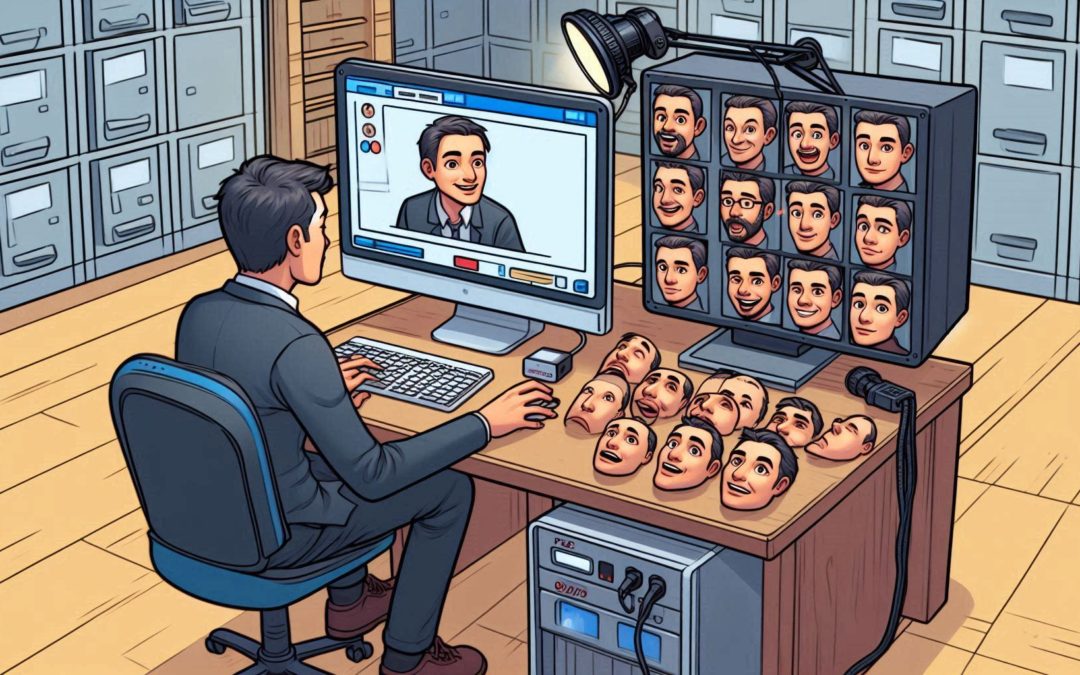
Face swapping, or face swapping, has gained great popularity in recent years, driven by various tools and applications that allow users to swap their faces with those of other people in photos and videos. Although this practice raises important ethical considerations, there is one open source tool that is capturing everyone’s attention: Deep Live Cam.
Deep Live Cam not only offers a powerful and flexible platform for face swapping in live broadcasts or when creating content, but also allows you to fully explore the possibilities of deepfake technology. What makes Deep Live Cam especially notable is that anyone (with some technical knowledge) can install it, use it, and even modify it to change their face in real time using AI technology. Let’s explore in detail what Deep Live Cam has to offer us.
With Deep Live Cam we can be anyone’s doppelgänger
Deep Live Cam allows its users to replace one person’s face with another’s, in real time. The result can be used in a live broadcast or recorded (for example, using software such as OBS) From an image, Deep Live Cam can map the expressions, movements and changes in lighting and expressions on the user’s face, and apply them to the replaced face with surprising precision, thus creating a near-perfect digital doppelganger Although the results are not yet perfect, the speed at which this technology is advancing is impressive and points towards a future where digital reality will become increasingly difficult to distinguish from reality physics through AI.
This open source project has been in development since late 2023, but it was not until August 2024 that it reached virality, driven by videos showing people imitating public figures such as Elon Musk or the American politician J.D. Vance. The tool gained such popularity that it took first place on the list of most popular repositories on GitHub.
Now deepfakes can be created in literally two clicks thanks to a new DeepLiveCam neuron. The service is easy to use: select a photo, click on “Live” and the deepfake is ready. Suitable for streaming and recording video. pic.twitter.com/UP6ImjP5n8
— Edinaldo Oliveira (@edinaldo_olive) August 10, 2024
The rapid advancement in face-swapping technology
Face swapping technology is not new. The term “deepfake” became popular in 2017 when a Reddit user began posting pornographic videos in which faces were swapped with celebrities. At that time, the creation of deepfakes required time, advanced knowledge, and very powerful and expensive equipment.
However, tools like Deep Live Cam are democratizing this technology, allowing anyone with a home computer and free software to create deepfake videos in real time.
How does Deep-Live-Cam work?
Deep Live Cam uses an artificial intelligence model called “inswapper”, which was developed by the InsightFace project. This model has been trained with millions of facial images captured from different angles, under various lighting conditions and with varied expressions. Thanks to this training, the model is able to infer what a face might look like under different circumstances and apply it to a live video.
In addition, the software uses another tool called GFPGAN, which is responsible for improving the quality of the exchanged images, correcting artifacts and details that may arise during the exchange process. This combination of technologies allows face exchanges to be carried out with increasingly higher quality and in a more fluid manner.
Requirements to use Deep Live Cam
Those interested in trying Deep Live Cam should understand that there is no one-step installer, and its installation requires a certain level of technical knowledge. Let’s look at the necessary requirements and the basic aspects to get it started. Regarding the necessary hardware, a CUDA-enabled NVIDIA GPU or an Apple Silicon device (M1/M2) is recommended for optimal performance.
Also supports the OpenVINO platform (for Intel processors). Deep Live Cam can work under Linux, macOS or Windows. Before installing Deep Live Cam it is necessary to have Python 3.10 (or higher) and the Python pip package manager installed. You also need git to clone the project repository and FFmpeg for video processing.
The general procedure is to clone the GitHub repository (hacksider/Deep-Live-Cam), download the required models (GFPGANv1.4 and inswapper_128_fp16) and use pip to install the dependencies. Details can be found in the documentation.
How to use Deep Live Cam viral tool?
Once installed, you can run Deep Live Cam directly from the run.py script or using the available GPU acceleration:
- For NVIDIA GPUs: python run.py –execution-provider cuda
- For Apple Silicon (M1/M2): python run.py –execution-provider coreml
- For Windows DirectML: python run.py –execution-provider directml
- For Intel OpenVINO: python run.py –execution-provider openvino
The user interface allows you to select a face image, configure the video source (such as webcam), and begin processing. Additionally, it offers advanced options such as improving image quality, processing multiple faces, and maintaining the original audio of the video. This viral tool allows the exchange of faces in real time with a single photo.
Testing deepfake local com live cam. It still lacks quality, but it no longer uses as much GPU as before (and it is still possible to perform the same task only with the CPU). Detalhe no final where I put my face to break a montagem =) https://t.co/vpthyGX7Z8 pic.twitter.com/0m4jkFpGMe
— Daniel Romero (@infoslack) August 11, 2024
Deep Live Cam: Between innovation and danger
The advance that Deep Live Cam represents is undeniable in addition to being an open source application. It allows the technology of deepfakes in video transmission, previously accessible only to experts, to now be within the reach of anyone with basic computer skills. Deep Live Cam can be used to create innovative and entertaining content. From humorous videos to creative presentations, the possibilities are endless for those who know how to use the tool responsibly.
But the ability to impersonate a person in real time with this type of technology opens the door to fraud and scams in video calls or with the use of web cameras. As mentioned in previous articles, deepfakes technology has already been used in million-dollar scams. With tools like Deep Live Cam, phishing becomes even more accessible. Ultimately, the key is responsible use. As with any powerful tool, Deep Live Cam’s potential depends on the hands it falls into, as images are indistinguishable from reality allowing a scammer to fraud and spoof.
This post is also available in: