
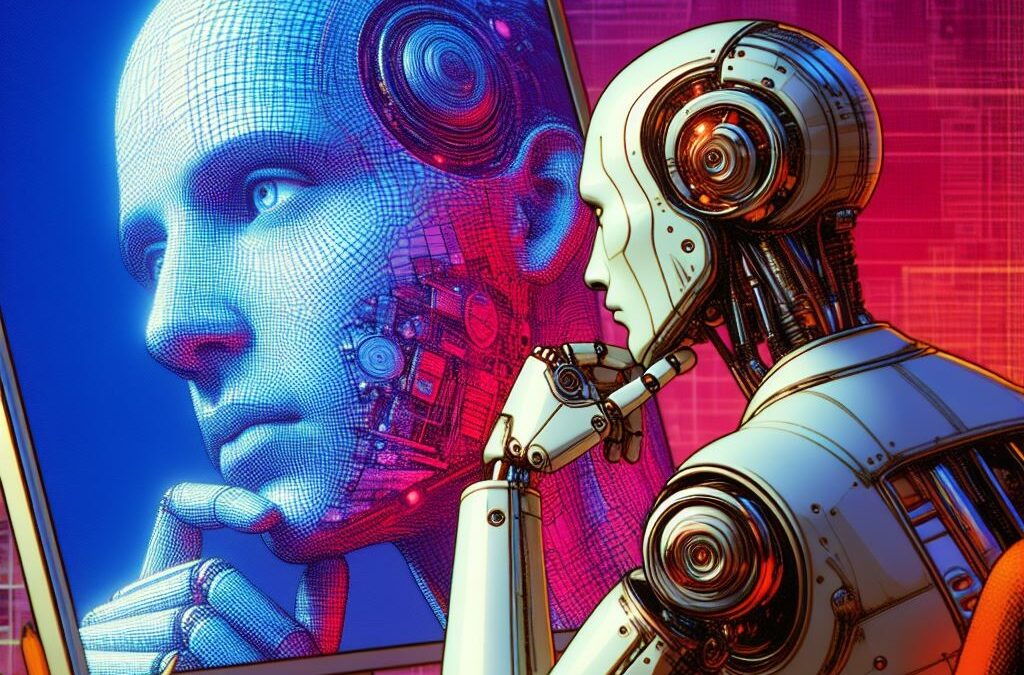
The OpenAI ecosystem is one of the leading pioneers in developing revolutionary technologies, and one of its most notable creations, ChatGPT, has come under the spotlight once again.
Can ChatGPT analyze images? So far, this platform stands out for its ability to understand and generate text with great precision. However, its latest update takes its capabilities to a new level by providing it with the function of analyzing images.
Learn in detail about this new feature of ChatGPT and how this platform is paving the way towards richer and more meaningful interaction between humans and machines.
ChatGPT and image analysis
Previously, ChatGPT focused only on natural language processing, but now, thanks to advances in computer vision algorithms, this AI is capable of “seeing” and “understanding” images.
But how exactly does image analysis work in ChatGPT? The key lies in cutting-edge algorithms that use computer vision techniques to identify objects and scenes in images.
Once ChatGPT has identified an object or scene, it can use its vast knowledge of the world to provide relevant information and assistance. This ability allows us to revolutionize numerous aspects of our daily lives.
From practical problem solving to decision making based on visual data, ChatGPT becomes a versatile and powerful tool that can help us in a wide range of situations.
How does image analysis work in ChatGPT?
Image analysis in ChatGPT is possible thanks to the integration of algorithms that allow this AI to understand images as it does with text:
Image preprocessing
Before analysis, the image undergoes a preprocessing process to optimize it and prepare it for analysis. This includes color normalization, resizing, and removing noise that interferes with image interpretation.
Feature extraction
Once the image is prepared, features are extracted using computer vision techniques. These features can include shapes, colors, textures, and other visual elements that help identify objects and scenes in the image.
Identification of objects and scenes
With the extracted features, ChatGPT uses machine learning models to identify objects and scenes in the image. These models are trained with data containing images labeled with information about the objects and scenes included.
Knowledge Association
Once the objects and scenes in the image are identified, ChatGPT associates this information with relevant concepts and contexts.
This involves the recognition of common objects, the understanding of specific situations or the interpretation of actions and relationships between objects in the image.
Response generation
Based on the extracted and associated information, ChatGPT generates responses that may include descriptions of the identified objects and scenes, recommendations on actions to take, or additional information related to the image content.
Benefits of image analysis by ChatGPT
Learn about some benefits of this functionality:
- Access visual information intuitively: Instead of relying exclusively on written text, users can show an image to ChatGPT and receive relevant and detailed responses.
- Practical problem solving: From identifying objects and scenes to entering step-by-step instructions to perform specific tasks, ChatGPT can be an invaluable tool for tackling everyday challenges.
- Efficiency and time savings: Instead of searching for information manually or consulting multiple sources, you can get instant answers simply by showing an image to the assistant.
- Personalization and adaptability: ChatGPT can adapt to your individual needs and preferences, delivering personalized and contextualized responses based on the visual content of the image.
- Applications in a variety of fields: Image analysis by ChatGPT has potential applications in a wide range of fields, including home, education, medicine, engineering and more. The possibilities are unlimited.
How to get the most out of ChatGPT for image analysis?
Here are some tips to get the most out of ChatGPT image analysis:
- For best results, be sure to provide clear, relevant images that contain the information needed for analysis.
- When submitting an image to ChatGPT for analysis, be sure to clearly specify your query or question.
- If there are specific elements in the image that you want to highlight or point out, use the drawing function available in the application to highlight these elements.
- Image analysis by ChatGPT can take time, especially if the image is complex or contains several elements.
- Don’t be afraid to experiment with different types of queries. Explore how AI can help you in a variety of situations and tasks.
- If you find that ChatGPT’s response is not what you expected or if you have suggestions to improve the service, feel free to provide feedback.
Enjoy this new development offered by ChatGPT
Image analysis by ChatGPT represents a significant step towards expanding the capabilities of artificial intelligence.
This new functionality not only allows ChatGPT to “see” and “understand” images, but also offers a wide range of benefits, from solving practical problems to improving efficiency and saving time.
Plus, by taking full advantage of this capability, you can get relevant and detailed responses in a personalized way.
With image analysis by ChatGPT, we are seeing an exciting advance in human-computer interaction, which promises to transform the way we access and use visual information in our daily lives.
This post is also available in: