
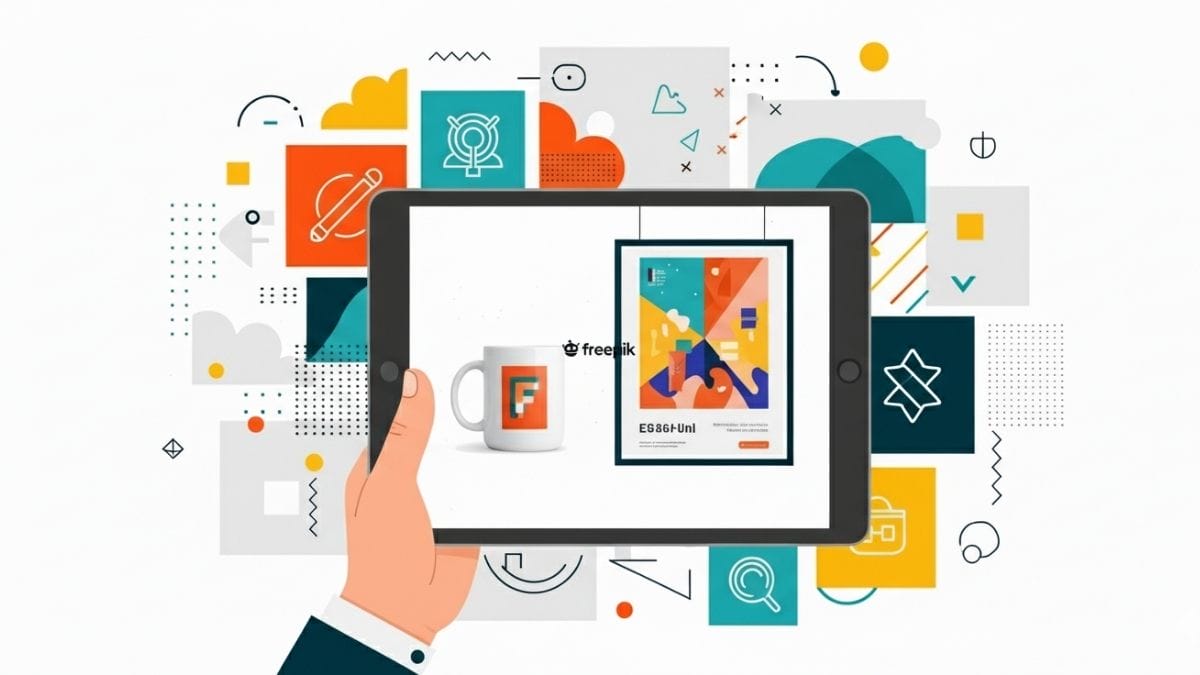
Have you ever had an amazing idea for a design, but lacked the perfect way to present it? This is where mockups come into play, and if we talk about mockups, Freepik is a name that cannot be missing from the conversation.
Imagine being able to display a logo on a coffee mug, a design printed on a t-shirt, or a poster on a room wall. With mockups you can transform abstract concepts into impressive visual presentations.
In the case of Freepik, this platform has a wide variety of professional mockups, both free and premium, that can take your projects to the next level.
Discover how these resources not only save time, but also add a touch of professionalism to your designs. If you want to find out how to get the most out of Freepik mockups, keep reading!
What are Freepik Mockups?
Mockups are realistic visual representations that allow designs to be displayed in everyday contexts, such as bottle labels, street signs, or printed T-shirts.
Freepik, one of the leading platforms in graphic resources, offers a wide collection of high-quality mockups, both free and premium.
These assets are designed to be editable, meaning you can easily customize them with your own designs using programs like Photoshop or Illustrator.
From electronic devices to packaging and stationery, Freepik mockups cover a wide variety of categories, adapting to almost any creative need.
The advantage of using Freepik mockups lies in their ease of use and professional quality. They are the perfect tool to take your designs from concept to virtual reality, impressing clients and audiences alike.
Features of Freepik Mockups
Freepik mockups stand out for being a versatile and accessible tool for designers, entrepreneurs and creatives in general. These are some of its most notable features:
- High quality and realism: Freepik mockups are designed with an impressive level of detail, allowing you to present your designs in settings that look real.
- Wide variety: Freepik offers an extensive library of mockups covering multiple categories, such as electronic devices, packaging, clothing, stationery, interiors and more.
- Editable and customizable: Most mockups are available in formats compatible with programs such as Photoshop (PSD), Illustrator (AI) or even Sketch.
- Free and premium options: Freepik offers a large number of free mockups, ideal for those on a limited budget. In addition, its premium version expands the catalog with exclusive and higher quality resources.
- Easy to use: Even if you are not a design expert, Freepik mockups are intuitive. Its layered structure and instructions included in the files make editing simple.
- Clear licenses: Freepik specifies the conditions of use for each resource, both free and premium. This allows you to use the mockups with confidence, whether for personal or commercial projects.
How to access Freepik Mockups?
To access Freepik mockups, visit the official Freepik website (www.freepik.com) from your browser. Once there, use the search bar and type “mockups” followed by the category you need, such as “t-shirt mockups.”
You can also directly explore the “Mockups” section in the category menu to find more specific options. After getting the results, use the available filters to refine your search.
You can select between free or premium resources, as well as choose the format that best suits your needs, such as PSD or AI. When you find a mockup you like, click on it to view the details and select the “Download” option.
Once the file is downloaded, open it in a design program like Photoshop or Illustrator. Most mockups include instructions in the form of editable layers, making it easy to insert your designs and customize details.
Use cases of Freepik Mockups
Freepik mockups are a versatile tool that adapts to a wide range of creative and professional needs. Here are some of the most common use cases:
Presentation of designs to clients
Mockups allow you to display designs, such as logos or illustrations, in realistic contexts, such as mugs, t-shirts, or electronic devices. This makes project approval easier and leaves a professional impression on clients.
Portfolio creation
For designers and creatives, mockups are ideal for showcasing work in portfolios. Presenting designs in realistic settings, such as posters or packaging, adds a touch of quality and professionalism.
Marketing materials
Mockups are perfect for creating banners, social media posts, or advertising brochures. Its realism and high quality help to capture the audience’s attention effectively.
Product prototyping
Entrepreneurs can use mockups to visualize physical products, such as labels or packaging, before producing them. This reduces costs and allows adjustments to be made before launch.
Tips to get the most out of Freepik Mockups
To get the most out of Freepik mockups, it is important to follow some practical tips that will help you optimize their use and obtain professional results:
- Choose the right mockup: Select a mockup that fits the style and purpose of your project. For example, if you’re designing a logo for a coffee brand, look for mockups of related cups or packaging.
- Check the resolution: Make sure the mockup has a high resolution, especially if you will use it for printing or detailed presentations. This will ensure that your designs look sharp and professional.
- Customize carefully: When editing the mockup, pay attention to details such as shadows, reflections and textures. Adjust layers in programs like Photoshop or Illustrator so your design blends naturally into the scenery.
- Experiment with different styles: Don’t limit yourself to just one type of mockup. Try several options to see which works best with your design. This will allow you to discover new ways to present your ideas.
- Check the licenses: Before using a mockup, check the license conditions, especially if it is for commercial projects. Freepik offers free and premium resources, each with their own usage restrictions.
Whether you’re designing a logo, creating a portfolio, or planning a marketing campaign, Freepik Mockups allow you to save time, reduce costs, and, above all, impress your audience.
With its wide variety, ease of use, and both free and premium options, Freepik is positioned as one of the best tools to take your designs to the next level. What are you waiting for to explore its catalog and start creating?
This post is also available in: