
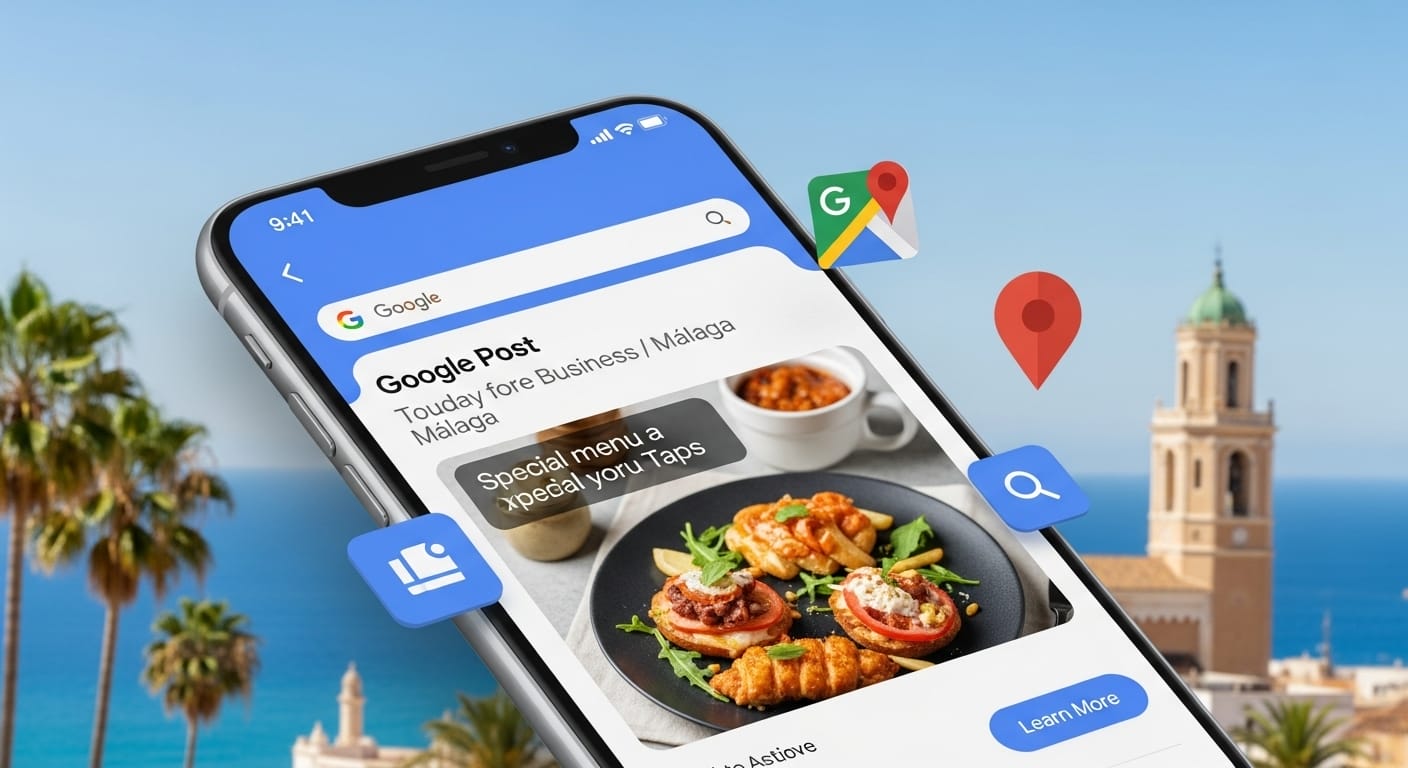
Activate Google Posts and turn your company profile into a powerful sales tool.
You probably update your Google business profile frequently, as we recommend in our Guide to Local SEO in Malaga. But, did you know that there is one of the most missed opportunities for local businesses?
Your company profile (Google Business Profile) is not just a list with address and hours: it is a micro-ecosystem where you can communicate offers, events and news at the same point where people look for you.
If your only digital strategy is to have a basic profile, you are losing customers. Google Posts allow you to publish updates, offers, events and products, making your profile go from being static data to a dynamic showcase aimed at conversion.
What are Google Posts and where do they appear?
Posts are short entries that you manage from your company profile to share Updates, Offers or Events.
They appear in your business listing in search results and on Google Maps, right where users decide whether to visit, call or enter your website.
Please note that posts without a date range are archived after 6 months, so cadence is important.
Why are Google Posts a secret weapon?
- You appear in searches: Google posts can appear directly in Google search results and on Google Maps when customers search for your business. This grabs your attention immediately.
- You generate more interaction: Unlike a web page, a Google post encourages immediate interaction. It includes call-to-action buttons such as “Call now”, “Buy”, “Book” or “More information”, which make it easy to convert a simple visitor into a customer.
- Your business looks more active: Posting regularly tells Google and your customers that your business is alive. It shows that you care about keeping information up to date, which builds trust.
Types of Google Posts: Choose the ideal one for your business
Google has simplified posts into three main categories. Here we give you ideas for your business in Malaga:
- Updates (What’s New): Share general news or any news. Example: Is your restaurant going to have a special menu for the Malaga Fair season? Post an “update post” with a photo of the dish and a brief description.
- Offers: Announce special promotions or discounts. Example: If your clothing store in the Historic Center is going to have a 2×1 promotion on t-shirts, create an “offer post” with the discount code and expiration date.
- Events: Promote any event you are going to organize. Example: Is your bar in El Palo going to have a live flamenco concert? Post an “event post” with the date, time, and description encouraging people to attend.
Practical note: products can also be highlighted, but Google has a specific Products/Services section in the profile. Use Posts for news or specific promotions and the Products section for permanent catalogs.
The 5 best practices to make your posts a success
- Use high-quality images and videos: A post without an image does not generate interest. Use clear, well-lit photos. Photos of your products, your premises or your team generate a real connection with the customer.
- Be brief and directo: You have limited space. Get to the point, use simple language and focus on the benefit for the customer.
- Include a call to action (CTA): Each post should have a purpose. Use the available buttons to direct the customer to action: “Call now”, “Buy”, “Book” or “More information”.
- Post regularly: Consistency is key. Post at least once a week. Google posts have a short shelf life, so it’s important to keep your profile updated.
- Use local keywords: If you have a promotion for “tapas in Plaza de la Merced” or “kitesurfing courses on Los Alamos beach”, use those keywords in your post. This will help you appear in more specific searches.
Start using the secret weapon that Google gave you
The Google profile is a dynamic and powerful marketing tool at your fingertips.
If you don’t know what type of content to publish, remember that the first step is always the most important. Choose one of the categories (offer, event, product) and start experimenting with your posts.
With each post, you will give your customers one more reason to visit you.
Download 5 templates for Google Posts
We want to help you master your Google profile. Use these 5 simple templates so you can start publishing your first posts professionally.
This post is also available in: