
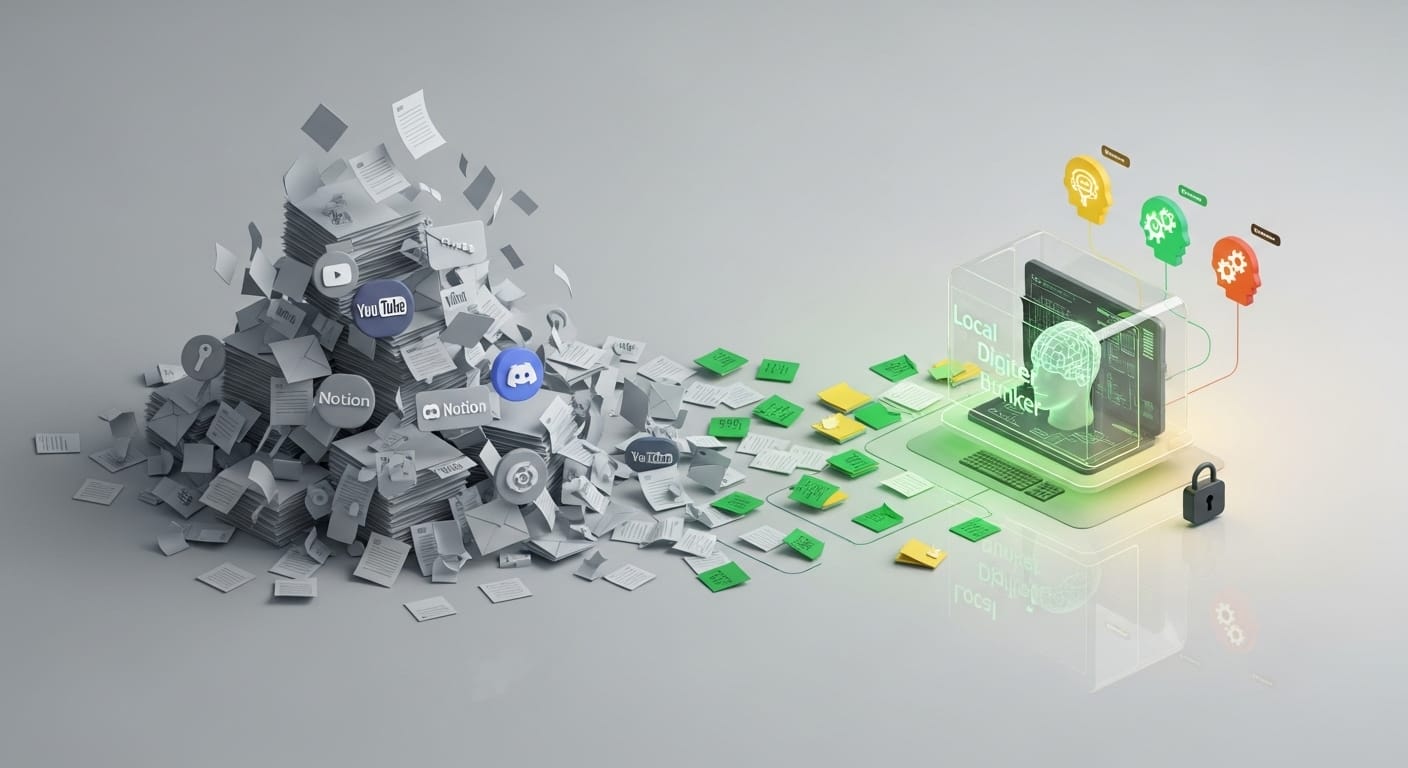
Surely it happens to you that you have that feeling that “you know a lot”, but when you need to find a specific piece of information among your hundreds of PDFs, Notion notes or old emails, you feel lost.
You have accumulated a mountain of information over time, but that mountain, instead of propelling you, sometimes bury you.
We are all looking for that perfect assistant to read our thoughts and organize the chaos, and although Notebook LM opened a window of hope for us, sometimes leaving your most private ideas in the cloud feels like leaving the door to your house open.
You want help, yes, but you also want control. Today we are going to discover how Surfsense has come to give you back the power over your own intelligence, without your data having to leave your sight.
What is Surfsense and how does it do magic with your files?
Imagine that Surfsense is that brilliant librarian who has not only read all your books, but knows exactly which shelf you left each note on.
Unlike other closed models, this tool does not force you to use a single artificial mind; You choose the language model you prefer depending on what you need: a quick summary or an in-depth analysis of a legal contract? You are in control.
Its operation is based on workspaces. Think of them as smart folders for your projects: “Thesis,” “Clients,” or “AI Learning.”
Within each space, you can throw everything: PDFs, web links, Discord threads, and even YouTube videos. The system processes them and creates a private knowledge base.
The best thing is that when you ask him something in the chat, Surfsense doesn’t invent; It answers you based strictly on your sources and shows you clickable references so you can verify each piece of information instantly.
Is Surfsense for you? Who gets the real benefit of it?
Not all tools are for everyone, but if you identify with any of these profiles, Surfsense will change your life:
The eternal student or researcher
If your desktop (real and virtual) is flooded with PDFs, articles and YouTube videos, this tool is your lifesaver. You can cross-reference data from different sources and ask it to create self-assessment tests to study much more actively.
Professionals with an “allergy” to the cloud
If you are a lawyer, doctor or consultant and you handle information that, due to ethics or contract, cannot float on other people’s servers, the option of working locally gives you that peace of mind that Notebook LM cannot offer you.
Notion and Google Drive users
If you already have your life organized in these apps, you don’t need to start from scratch. Surfsense “drinks” your current notes and turns them into a searchable database.
Content creators
Ideal for analyzing long podcasts or Twitter threads and transforming them into your own scripts or threads in a matter of seconds, always keeping the original source on hand so as not to lose context.
Where can you start using it?
If you want to try Surfsense today, you have two main paths. On the one hand, there is the online version, ideal if you are looking for speed and want to see what the tool is capable of without installing anything.
Of course, keep in mind that this free version has its tolls: limits of about 300 pages per file and a cap on the number of fonts.
On the other hand, you have its crown jewel: the local version. If you have a device with enough power and you are concerned about privacy, you can mount it on your own computer.
This way, your documents never leave your hard drive. Although setting this option requires a little more patience and “fiddling” with settings, the reward is complete control over your data and the freedom to use models without cloud restrictions.
Master tips for squeezing the tool
So that you don’t waste time and get straight to the point, I give you these three golden tips:
- Invoke your sources with the @: Don’t let the AI guess. If you type @ in the chat, you will be able to choose the specific PDF or video you want to view. It’s the best way to get accurate answers and avoid mixing apples and pears.
- Correct on the fly: Unlike other wizards, here you can edit your sources. If a PDF comes with errors or you want to add your own note to the imported text, do so with the tool so that the AI learns from your corrected version.
- Always check the “Status”: When uploading long YouTube videos or large files, give it a break. Look at the processing bar before asking; If you rush, the answers may be incomplete.
Your knowledge, your rules: The future is local
At the end of the day, the best tool is not the one with the most features, but the one that best suits your principles. If you are looking for the speed and aesthetic polish of Google, Notebook LM remains an unbeatable ally.
But if you feel that your ideas and private data are your most valuable asset, Surfsense is the step towards digital maturity.
It’s not just about summarizing texts, but about building a digital brain that works for you, under your conditions and without leaving home. AI is no longer just a window to the world, it is now a bunker for your intelligence.
This post is also available in: