
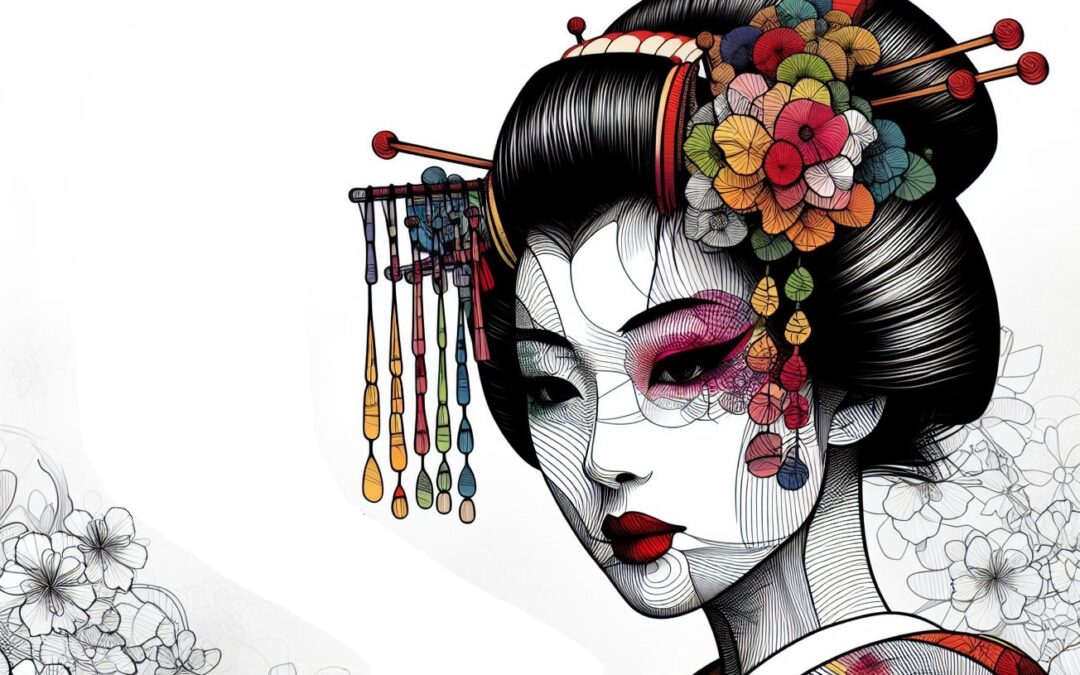
One of the most notable AI tools for generating images from text is DALL-E. With it, creativity finds a powerful ally, allowing users to bring their ideas and visions to life in a visually striking way.
However, success when working with DALL-E lies not only in its technical capacity, but also in your ability to enter precise and creative instructions, which are known as “prompts.”
These instructions help unlock the potential of DALL-E and get the best results. But can you write prompts that generate quality images? Learn how to generate the best prompts in DALL-E, so you can increase the effectiveness of this tool.
Why is it difficult to generate good prompts in DALL-E?
Generating good prompts in DALL-E can be challenging for several reasons. First, prompts must be clear and precise to effectively communicate the desired idea or image. Avoiding ambiguities is key.
Additionally, DALL-E needs to understand the context and intent behind the prompt to generate relevant images, which can be difficult with abstract concepts.
It is also important to keep DALL-E’s capabilities and limitations in mind when creating prompts, as well as be creative and original to stimulate your imagination. It is crucial that you do not infringe copyright by taking inspiration from well-known characters or works.
Types of prompts in DALL-E
Discover the types of prompts you can use in DALL-E:
Detailed prompts
This type of prompt involves giving DALL-E the most detailed and specific descriptions possible about the image you want to generate.
The more information you provide, the more accurate the resulting image will be. This can include details about the environment, objects, characters, colors, actions, and any other elements relevant to the image. These are some examples:
- “It generates an image of a starry night in the desert, with a lone cactus standing out against the dark horizon and a sky full of bright stars and a crescent moon.”
- “Create an illustration of a majestic dragon flying over a ruined castle, with fire coming out of its mouth and dark clouds in the background.”
Mix Prompts
By using blending instructions, you are telling DALL-E to combine features from two or more specific images to create a new one.
This can be useful for merging elements from different images or creating original compositions. You can ask DALL-E to mix objects, landscapes, characters, colors or other elements for unique results. Look at these examples:
- “Mix an image of a lush forest with an image of a modern city to create a unique panoramic view that combines natural and urban elements.”
- “Integrate an image of a sleeping cat with an image of a cup of coffee to create a cozy scene of a cat enjoying the morning with a hot cup.”
Narrative Sequence Prompts
With narrative sequences, you are asking DALL-E to generate a series of images that tell a story or represent a sequence of events. This can be useful for creating comics, illustrations for books, or animated movies.
By giving detailed instructions about the sequence of events you want to depict, you can guide DALL-E to create coherent and visually striking images. Check out these examples:
- «Generate a sequence of three images that represent the evolution of a seed sprouting, growing into a young plant and blooming into a beautiful flower.»
- «Create a series of images that show the transformation of an astronaut exploring an unknown planet, from his arrival in a spaceship to his encounter with alien creatures.»
Prompts for inspiration from well-known characters
By using inspiration from well-known people, you are asking DALL-E to create images based on famous or popular people. However, avoid directly mentioning character names to avoid copyright issues.
Instead, you can add general descriptions or distinctive characteristics of the characters so that DALL-E can draw inspiration from them without infringing copyright. These are some examples:
- «Generates an image of a powerful wizard with a long beard and a pointed hat, inspired by the character of Merlin.»
- «Create an illustration of a brave adventurer with a leather jacket and a whip, evoking the famous Indiana Jones character.»
Prompts according to rarity
By adjusting the rarity levels, you are telling DALL-E the degree of originality and creativity you want in the generated images. This can range from conventional and realistic images to more unusual and abstract images.
By specifying a level of rarity, you can influence the style and aesthetic of images to suit your preferences and creative needs. Check out these examples below:
- “Create four flower images with a rarity level of 800, experimenting with unusual shapes and colors to obtain surprising and unique results.”
- “Generate a series of cityscapes with increasing levels of rarity, starting from 100 and increasing in increments of 200, to explore different styles and aesthetics.”
Custom Dimension Prompts
By requesting custom dimensions, you tell DALL-E the specific size and aspect ratio you want for the generated images.
This allows you to adapt images to different formats and uses, such as social networks, prints, web design or illustrations. By specifying the desired dimensions, you can get images that perfectly fit your visual and creative needs.
These are a couple of examples:
- “Create a 2000×1000 pixel panoramic image that represents a sunrise over the mountains, with warm colors and a calm and serene atmosphere.”
- “Generates a 1200×1800 pixel full-body illustration of a fantasy character in armor, highlighting their detail and facial expression.”
Generate satisfactory prompts with DALL-E
The prompts in DALL-E are useful for obtaining striking and original images. With a clear understanding of the different types of prompts you will be able to maximize your experience with this powerful artificial intelligence tool.
By experimenting with detailed descriptions, rarity levels, and custom dimensions, it is possible to bring a wide range of ideas and visions to life. Creativity is the only limit when it comes to generating the best prompts in DALL-E.
This post is also available in: